Two things share a name, and support gets asked to explain the difference most days. Here is the short version, and then the one question that actually decides it.
The two halves
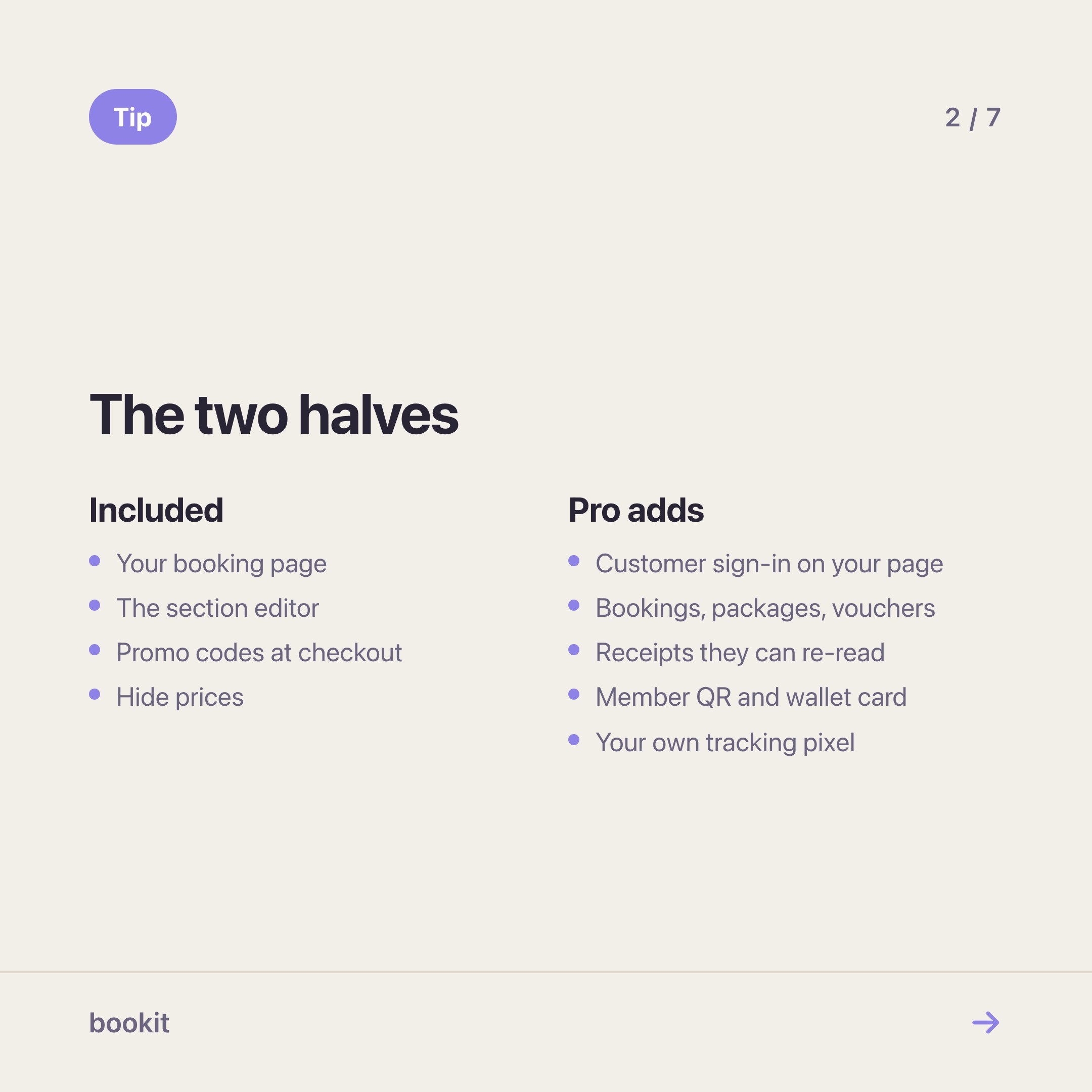
Miniprogram is the booking page your customers already use, plus the editor that arranges it. Photos, gallery, team, opening hours, links, your service list in the order you want. Free on every plan, for every branch, forever.
Miniprogram Pro is a customer login on that same page. Your customer signs in with their phone number and a one-time code, and gets their own section: upcoming and past bookings, their packages with sessions remaining, their vouchers, their payments and receipts, and a member QR they can keep in Apple Wallet or Google Wallet. It also lets your own Meta Pixel or Google Tag run on your booking page. RM60 a month per branch.
| Miniprogram | Miniprogram Pro | |
|---|---|---|
| Arrange your page | ✓ | ✓ |
| Online booking and payment | ✓ | ✓ |
| Promo codes at checkout | ✓ | ✓ |
| Customer sign-in | — | ✓ |
| Sessions left, visible to the customer | — | ✓ |
| Vouchers and receipts, self-serve | — | ✓ |
| Member QR and wallet card | — | ✓ |
| Your own Meta Pixel / Google Tag | — | ✓ |
| Price | included | RM60 / month / branch |
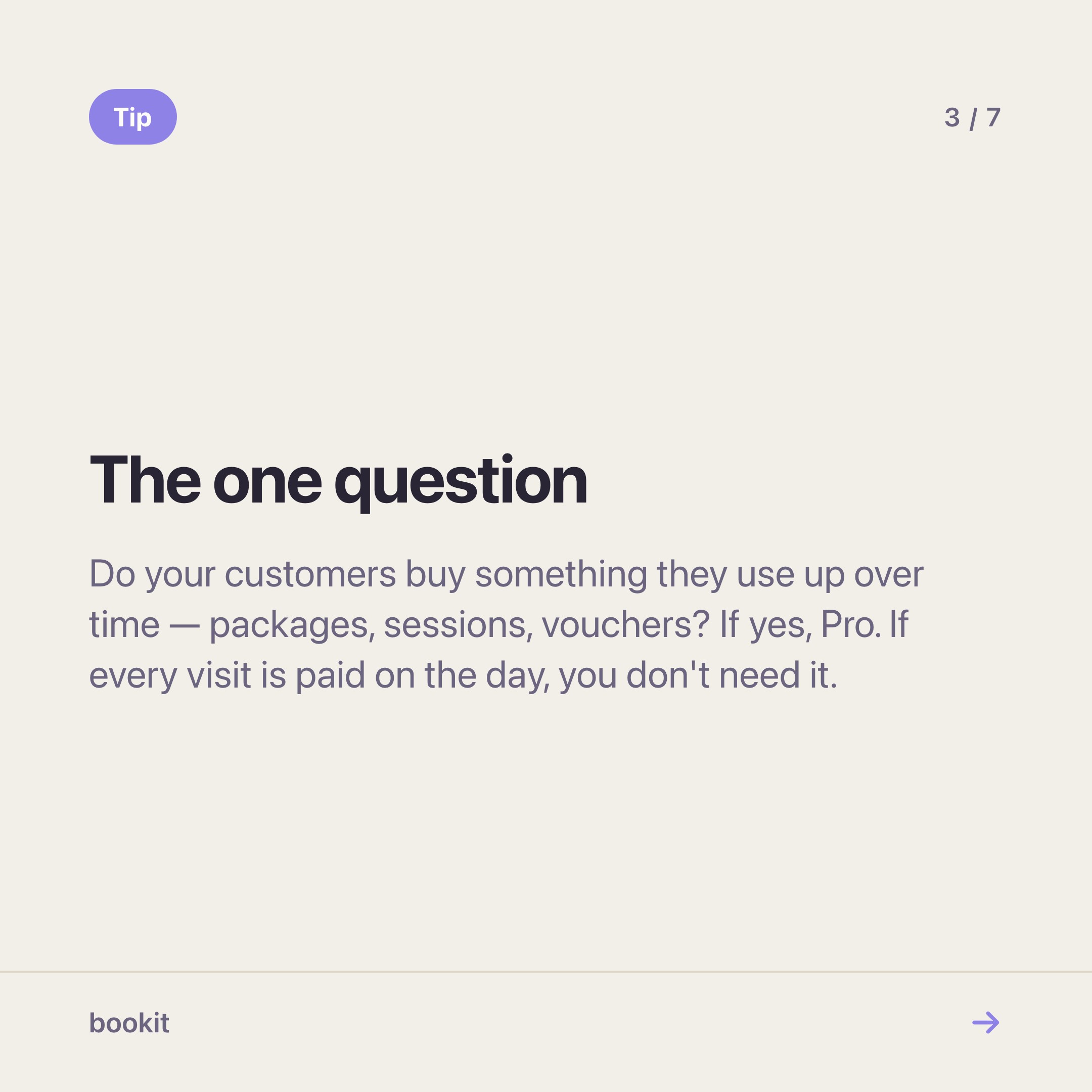
The one question
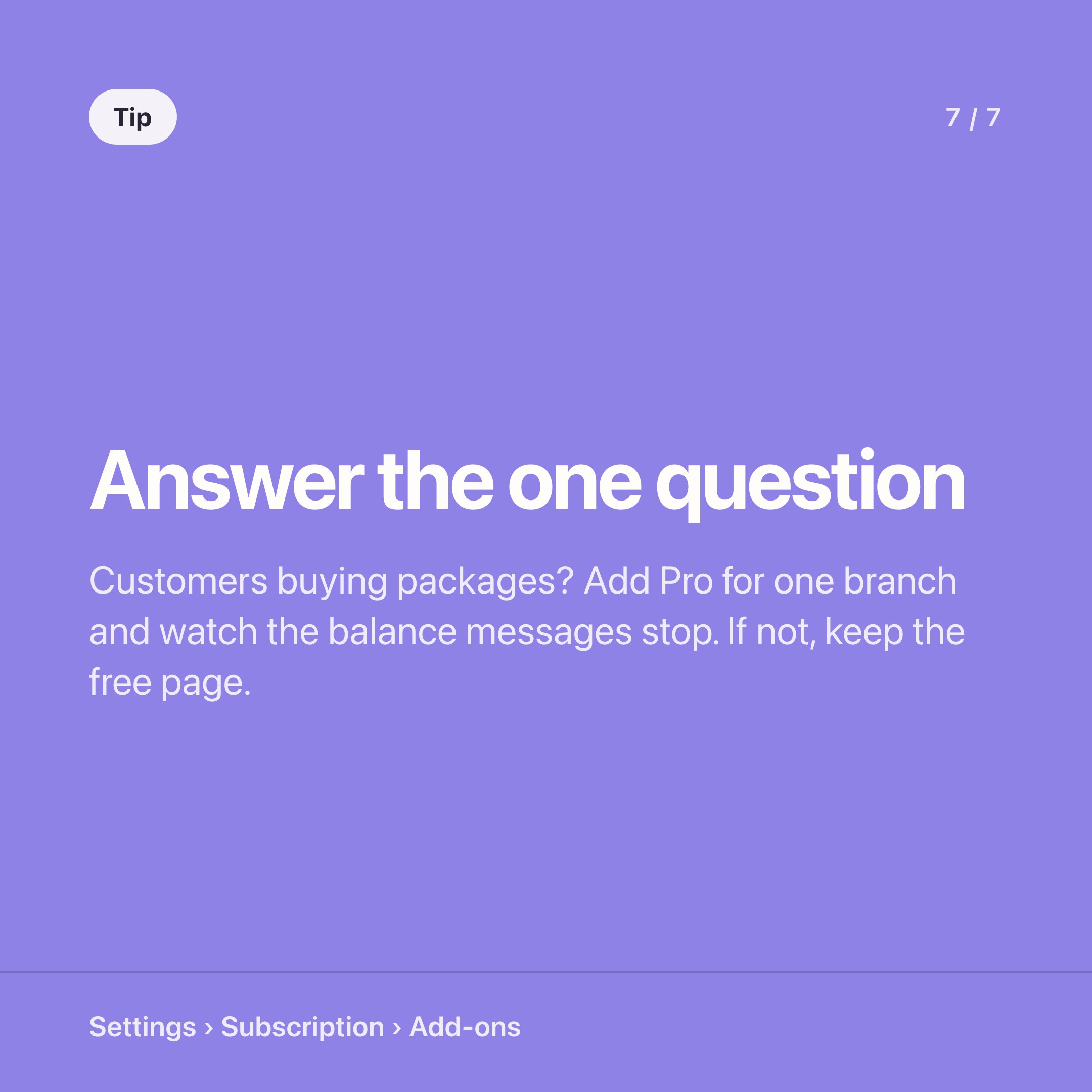
Do your customers buy anything they use up over time?
Packages, prepaid sessions, credit, a ten-class pass, a membership. If yes, every one of those customers is carrying a number in their head that only you can confirm, and they confirm it by messaging you. Pro exists to take that conversation off your phone.
If your customers pay once per visit and never prepay — a walk-in barbershop, a repair shop, most pet grooming — Pro's core feature has nothing to show them. Arrange the free page beautifully and skip the add-on. We would rather say that than sell you a login your customers open once.
What it costs, properly
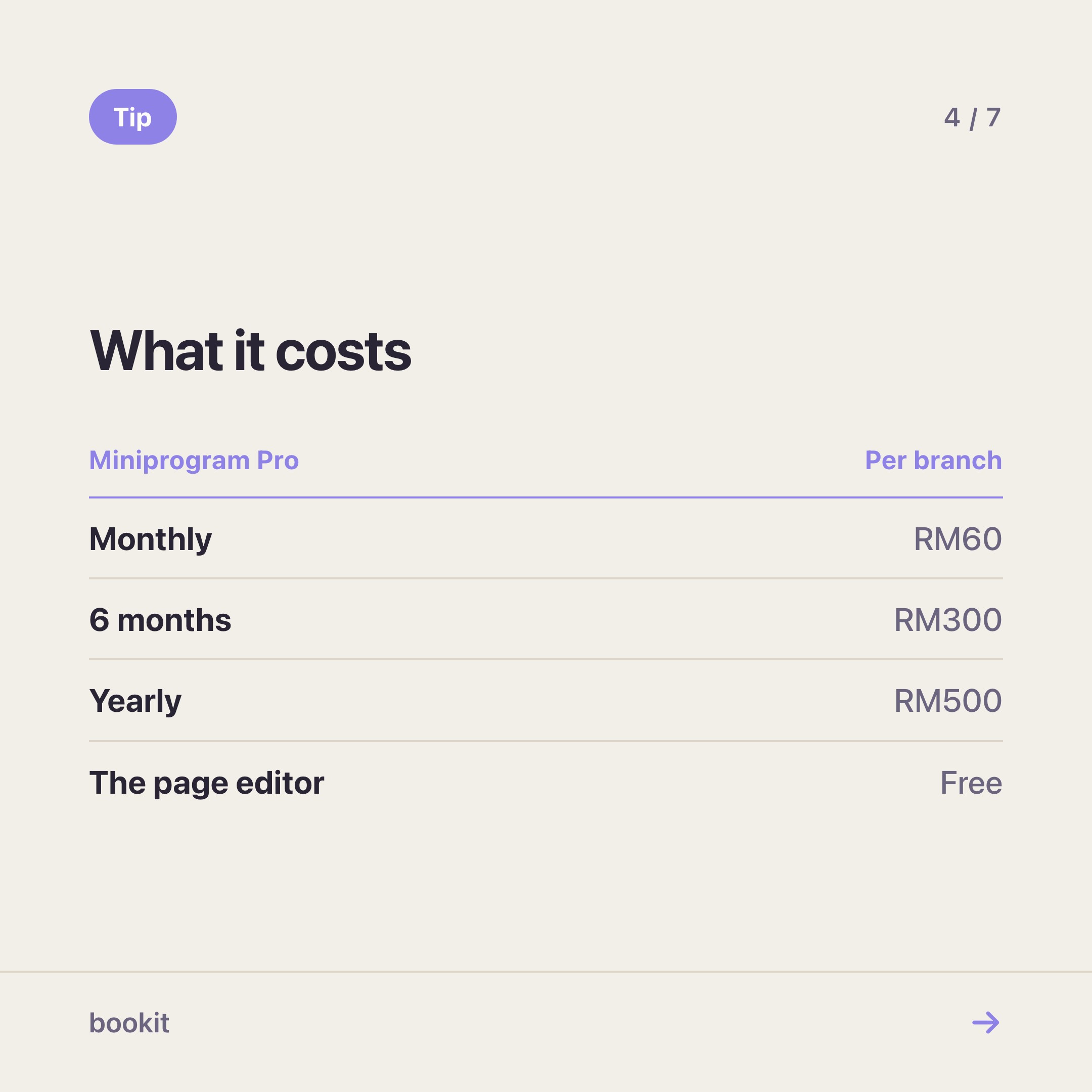
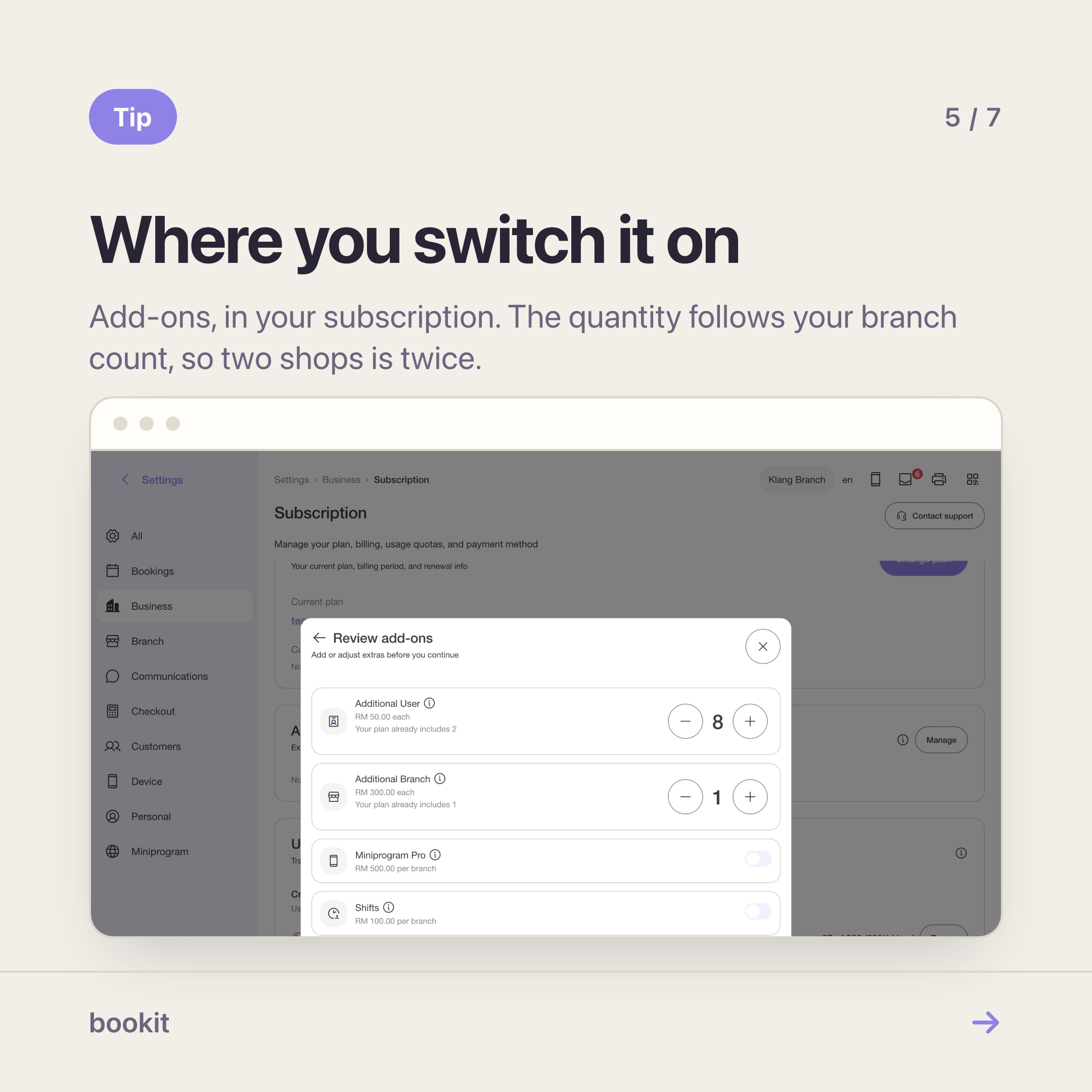
RM60 a month per branch. Two shops is RM120 a month. There is a six-month rate (RM300) and a yearly rate (RM500 per branch) if you would rather not pay monthly.
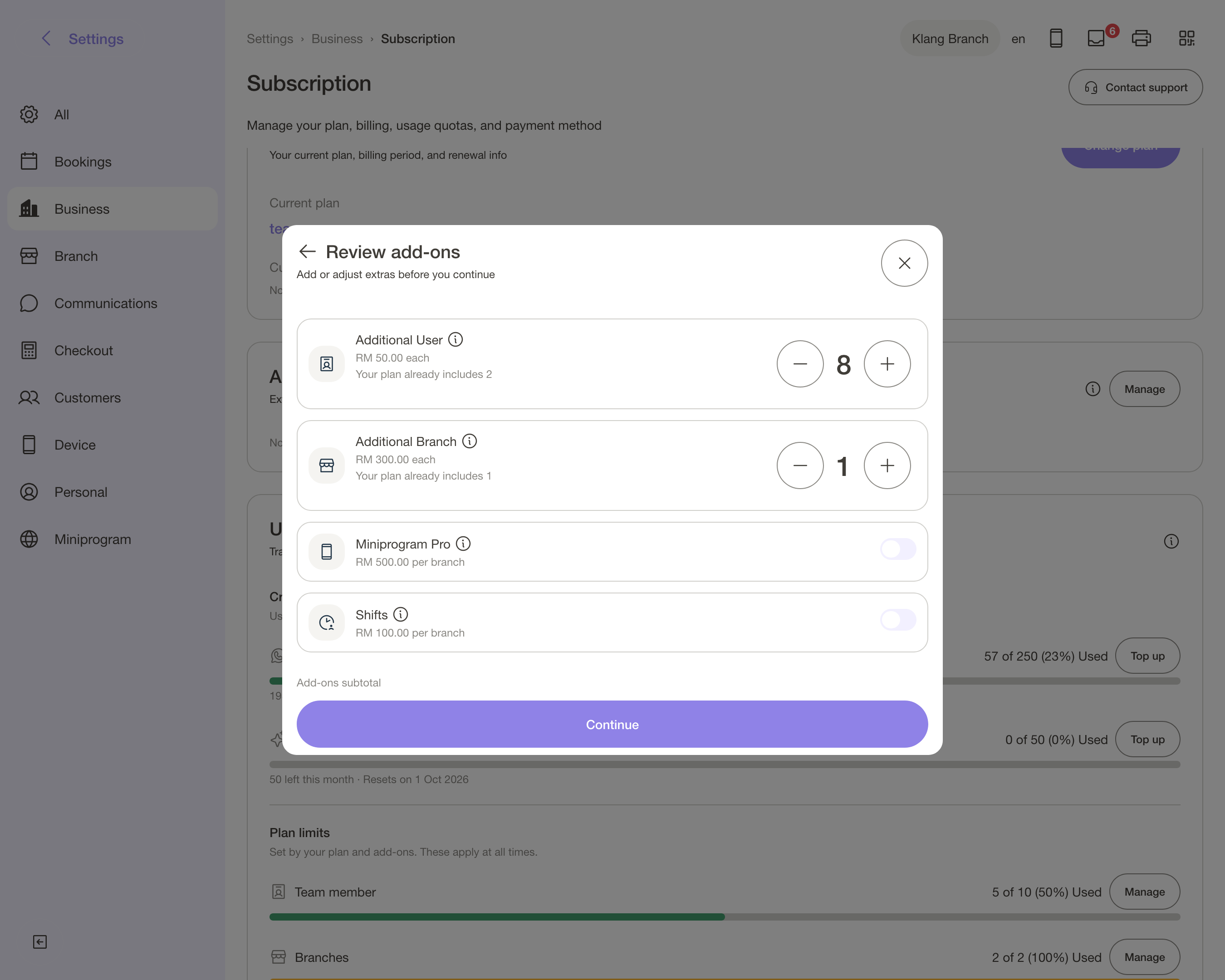
It sits on the Basic, Advance and Team plans, and you add or remove it yourself from Settings → Subscription → Add-ons — it takes effect immediately and prorates on your normal cycle.
The honest way to size it: count the "how many sessions do I have left?" and "is my voucher still valid?" messages you answered last month. If that number is above about twenty, Pro costs less per month than the time does.
The trade-off nobody mentions in a pricing table
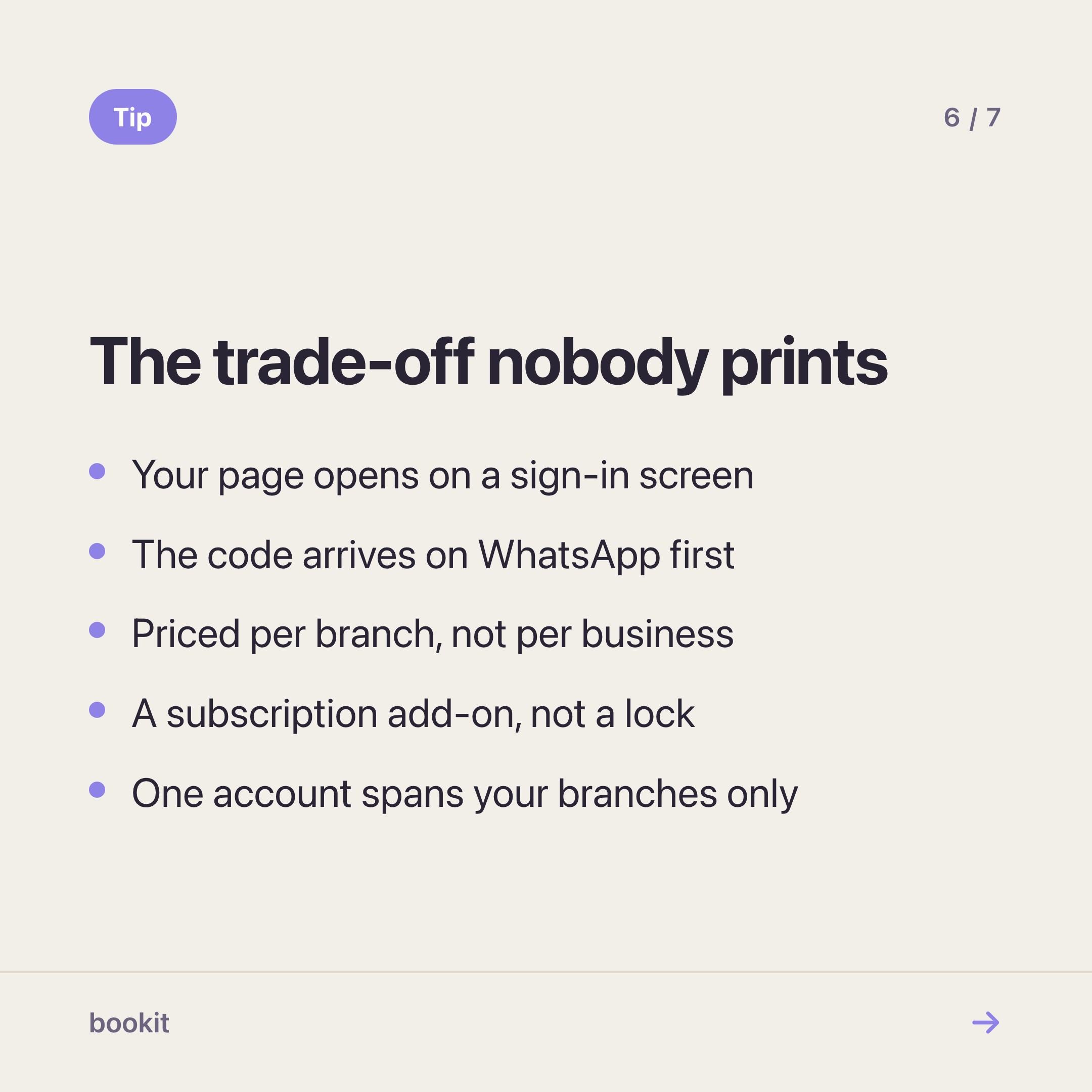
With Pro on, your booking page opens on a sign-in screen. A regular taps through it in ten seconds and stays signed in afterwards. A first-timer who found you on Instagram meets one extra step before they can book — a phone number and a code.
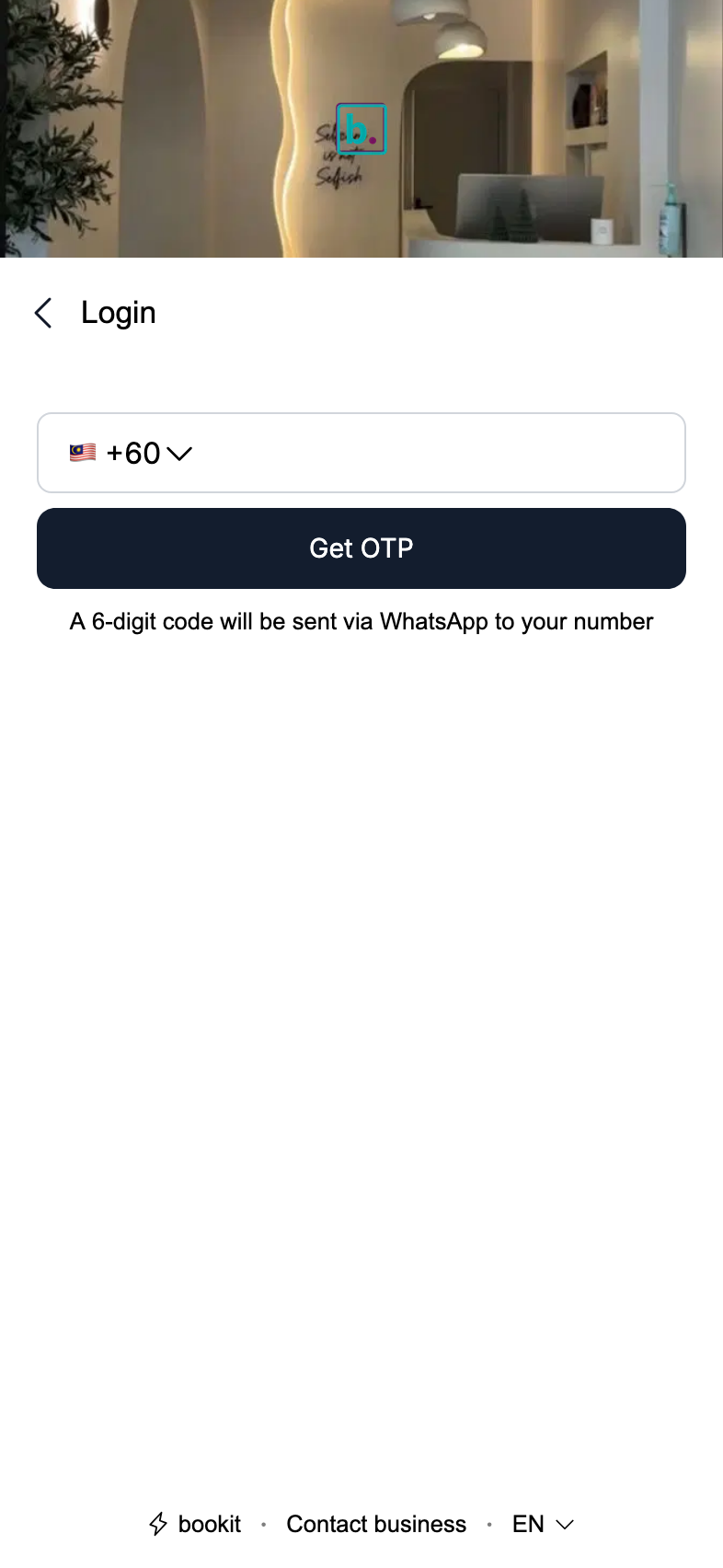
That step costs you something. If most of your bookings come from strangers, think about it before switching Pro on. One thing softens it: the code arrives on WhatsApp first, which is where your customers already are, so it is a tap rather than a hunt through an inbox.
Two more things worth knowing
The account is yours, not ours. One login covers every branch of your business. It does not carry across to another business on bookit — your customer list stays yours, and their data resolves per business.
Nobody installs anything. Not you, not them. It is the same link you already share. When a customer saves the member card, it goes into the wallet app that came with their phone.
How to decide in five minutes
- Do your customers prepay for anything? If no → free Miniprogram, done.
- Roughly how many balance questions did you answer last month? Under twenty → free page, revisit in a quarter.
- Do most of your bookings come from regulars or from strangers? Mostly strangers → arrange the free page first, and add Pro once you have a base of returning customers worth logging in.
- Everything above says yes → add Pro on one branch for a month, and count the messages again.
If you want the long version of what Pro looks like in a customer's hands, it is here. If you want to see what the free half can do first, start here.
Read next
- The booking page sections worth using — what each section is for, and the order that works
- Set up Miniprogram Pro — the login page, the profile order and the wallet card, in twenty minutes
- Turn your booking page into a member app — what Pro looks like in a customer's hands
- The most expensive question in the beauty business — what "how many sessions left?" actually costs