Count the taps between someone seeing your work on Instagram and having an appointment.
Tap one: your bio link. Tap two: the link page — WhatsApp, Waze, menu, "book here", your other account. Tap three: the booking page finally loads, cold, with no photos on it, and asks them to pick a service they have only seen on a poster.
Every tap loses people. Not dramatically, not all at once, but reliably — and the ones you lose are the strangers, which is exactly the group you paid for the ad to reach.
Why the stack exists
Nobody chose it. It grew. The link tool arrived because Instagram allows one URL. The booking page arrived later, as one of the links inside it. The result is two products doing half a job each: the link page has your personality and no calendar, the booking page has the calendar and no personality.
You are also maintaining both. When you change your Sunday hours, you change them in three places and forget one.
Collapse it into the page that takes the money
The booking page is the only one of the three that has to exist, because it is the only one connected to your diary. So put everything else on it.
In bookit, that page is arranged section by section from Settings → Miniprogram → Customisation → Customise:
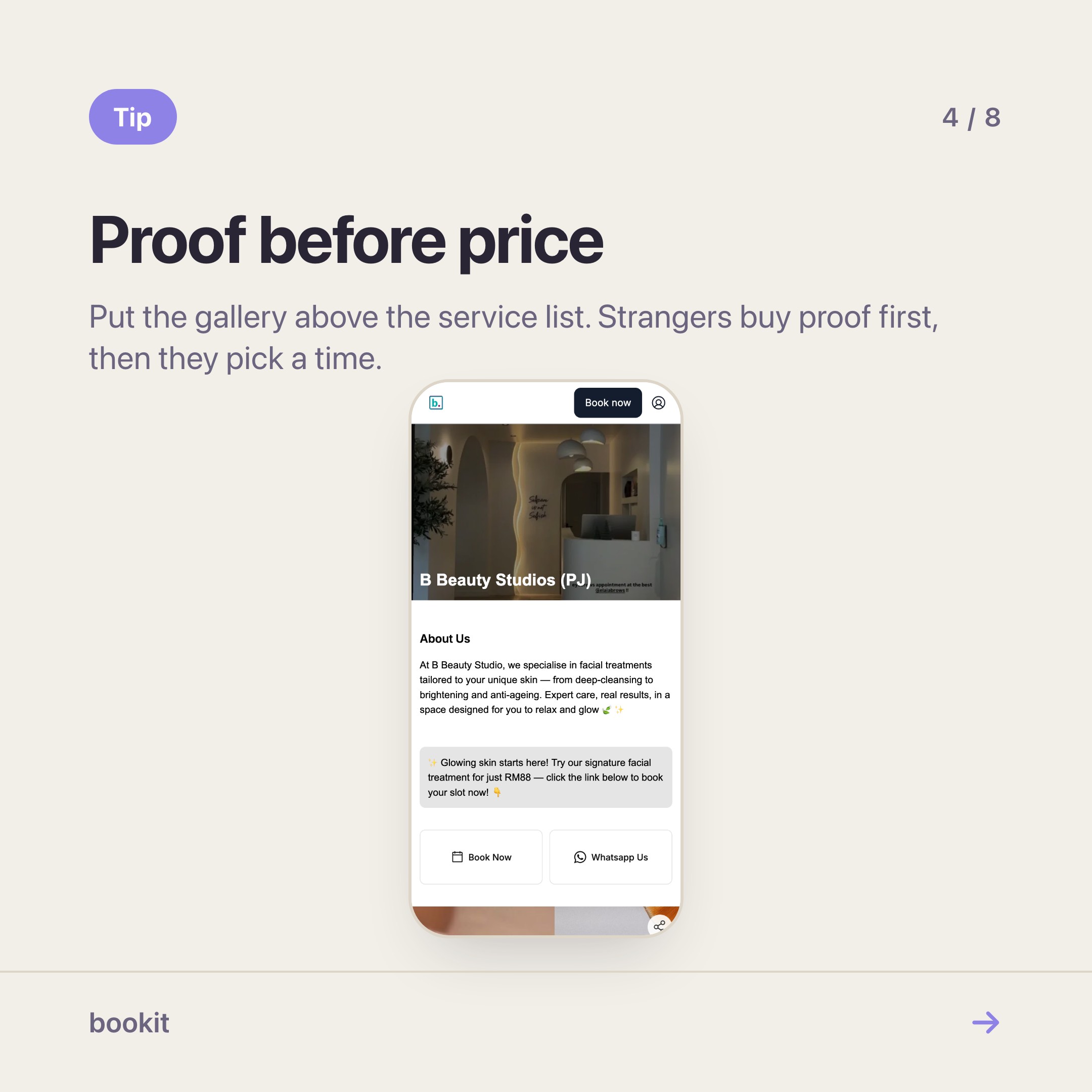
- Carousel or Gallery — your recent work, at the top.
- Promotional message — one line, this month's offer.
- Team — the people, with faces.
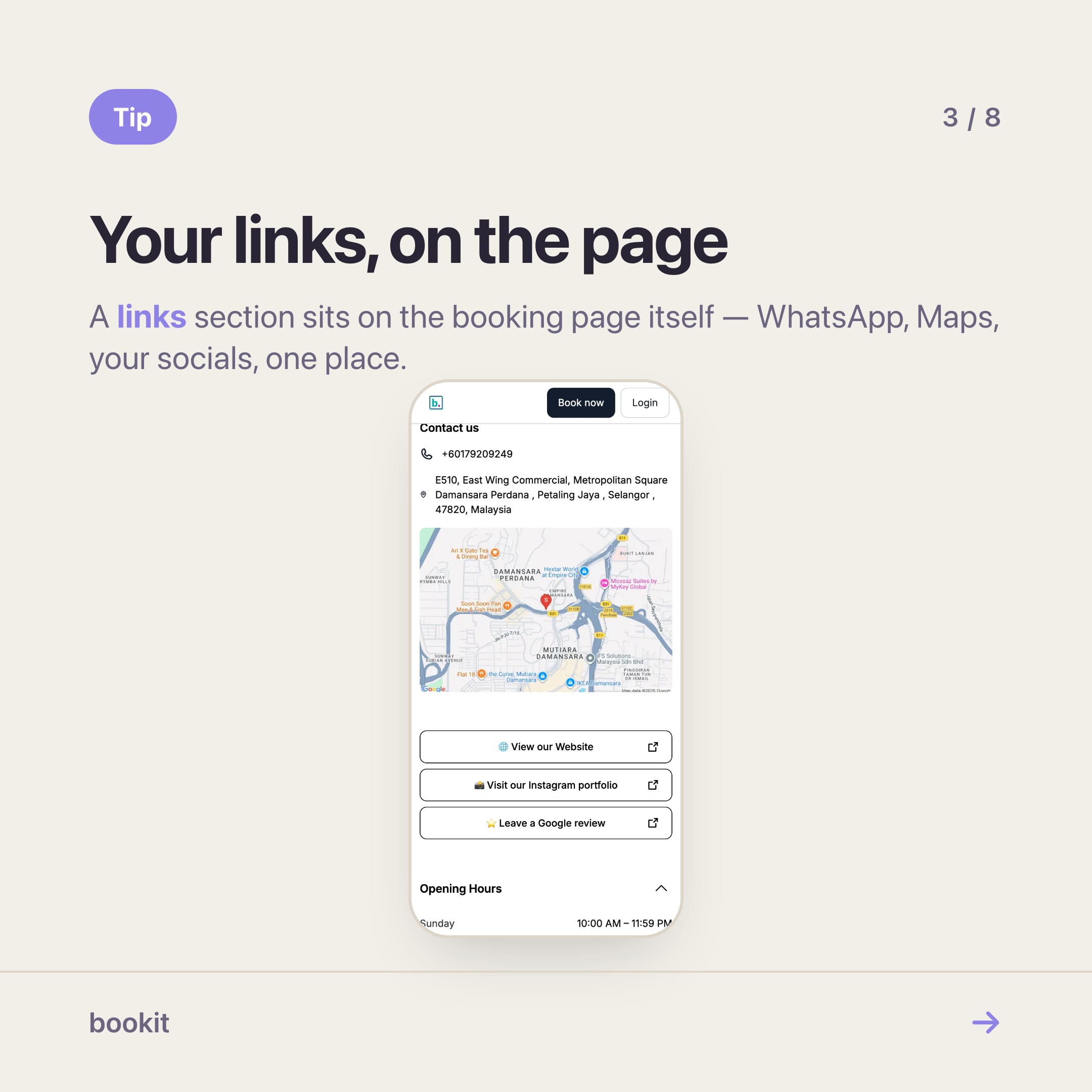
- Links — your menu PDF, your Waze pin, your WhatsApp, anything the old link page held.
- Social icons — Instagram, TikTok, Facebook, in one row.
- Opening hours and Contact us — the two questions people message you to ask.
- Service list — the booking itself, right there, not one tap away.
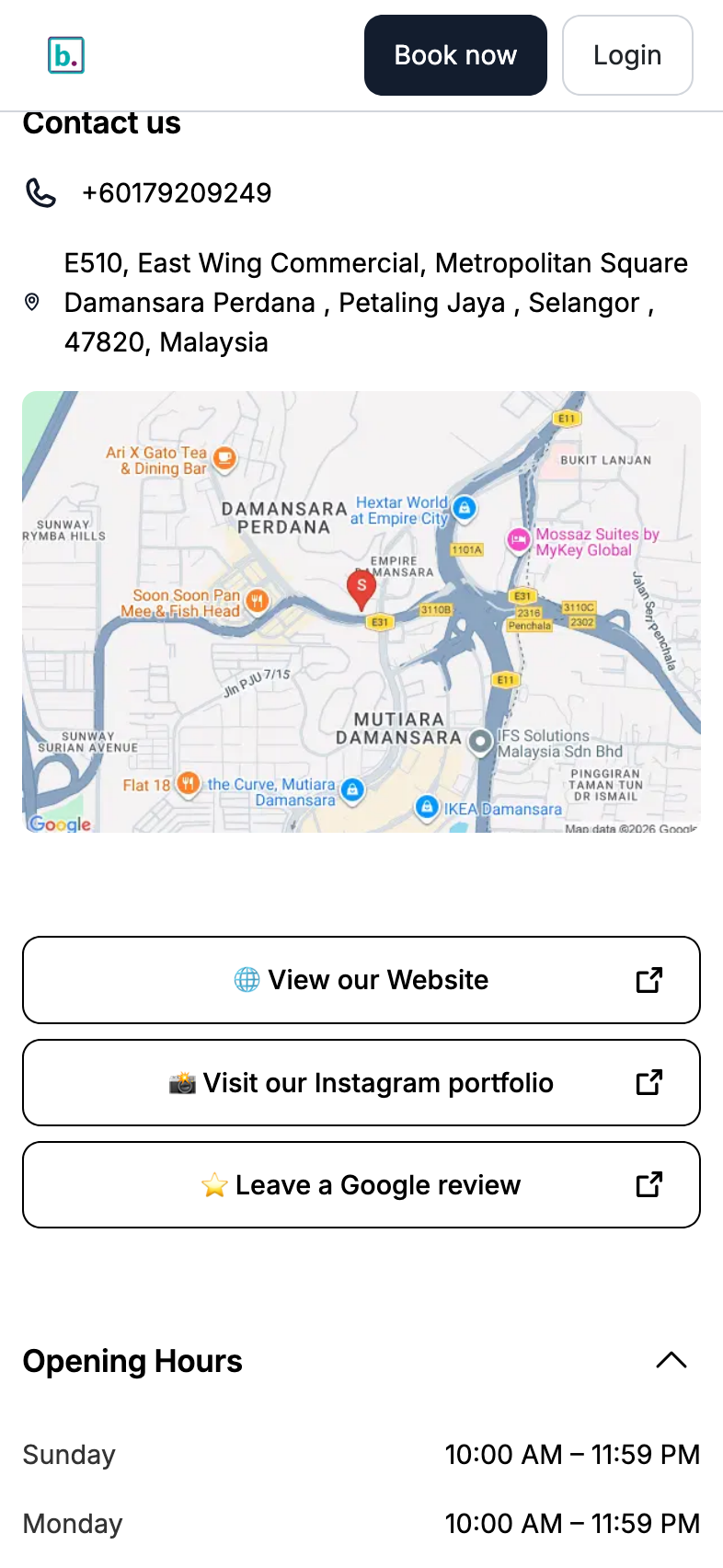
Same link in your bio. One surface. The tap that used to lead to a list now leads to the shop.
Put proof before price
The default order on any booking page is name, services, book. That order answers "what do you sell?" first.
A stranger from Instagram is not asking that. They are asking "are you any good, and are you near me?" — so answer those first. Photos, then people, then hours, then services. Your regulars scroll past all of it in two seconds; they know what they want. The strangers stay.
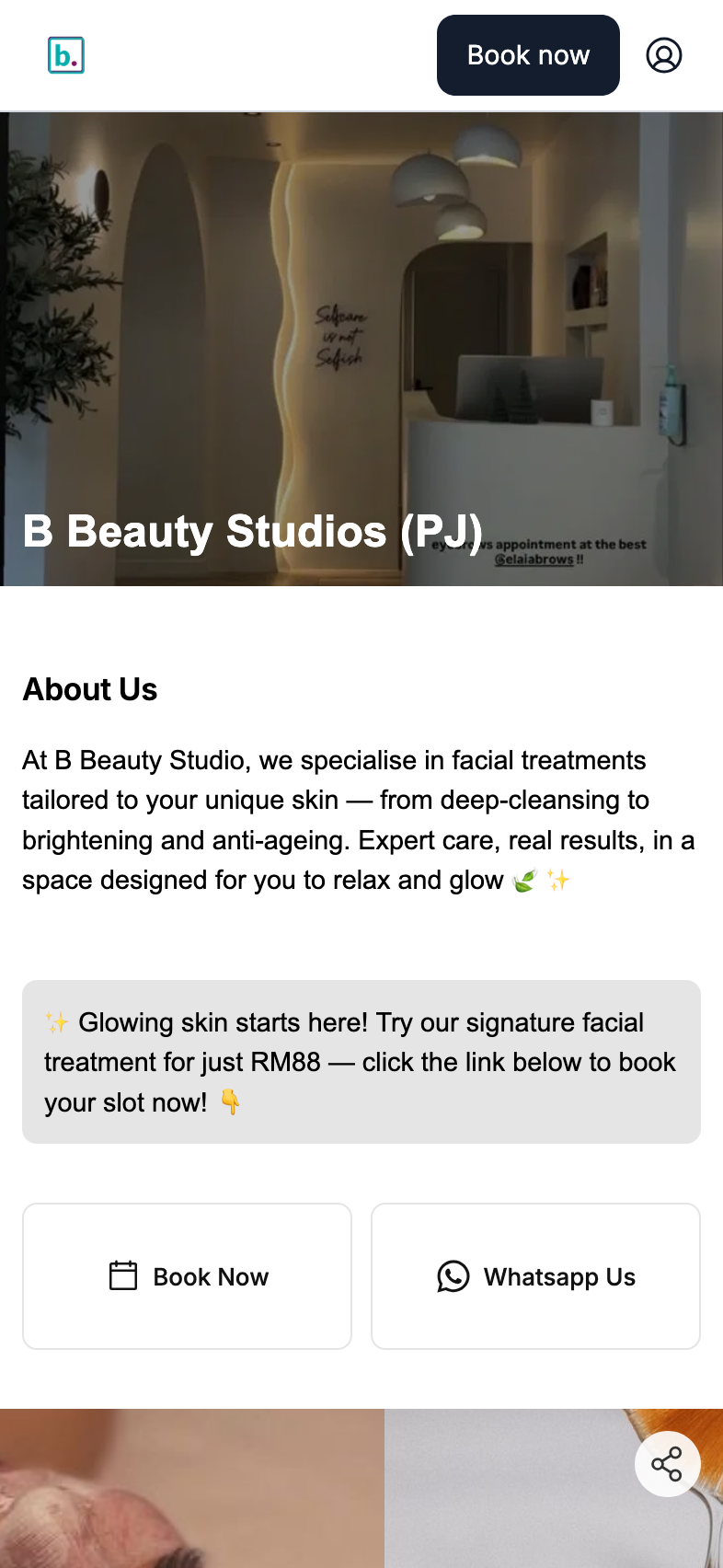
If you take before-and-afters, this is the single highest-value thing you will do with your page this year. You already have the photos.
What you give up
Honesty first: a booking page is not a website. No blog, no separate domain, no landing pages for each campaign, no fine control over layout. If you genuinely need a brochure site — a clinic publishing treatment explainers, a franchise with a careers page — keep one, and point it at the booking page.
For everyone else, the brochure site was never the thing making the money. The booking page was, and it was doing it while looking like a form.
One link is also one thing to maintain
The underrated part. Sunday hours change once, in one place, and the page, the hours section and the booking availability all agree — because they are reading the same business, not three copies of it.
Same for prices: the list on your page is your catalogue, so it cannot drift from what you actually charge at the counter. A link tool never knew your prices; it just held a screenshot of them from March.
Do it this week
- Open your booking link on your phone. Note the order of what you see.
- Open Customise on a laptop. Add Carousel, drop in eight photos, drag it above the service list.
- Add Links and move whatever your bio-link page was holding.
- Save. It is live — there is no publish step.
- Change the URL in your Instagram bio to the booking link, and cancel the other subscription.
If most of your customers prepay for packages, there is a second layer worth reading about — a customer login on the same page, so they can check their own balance instead of messaging you. But the arranging is free, and it is the part that pays for itself first.
Read next
- The booking page sections worth using — what each section is for, and the order that works
- Make your booking page look like your shop — what changed when the editor went out to everyone
- Miniprogram or Miniprogram Pro? — the one question that decides whether you need the add-on